Designing a Home Workout App for Everyday Use
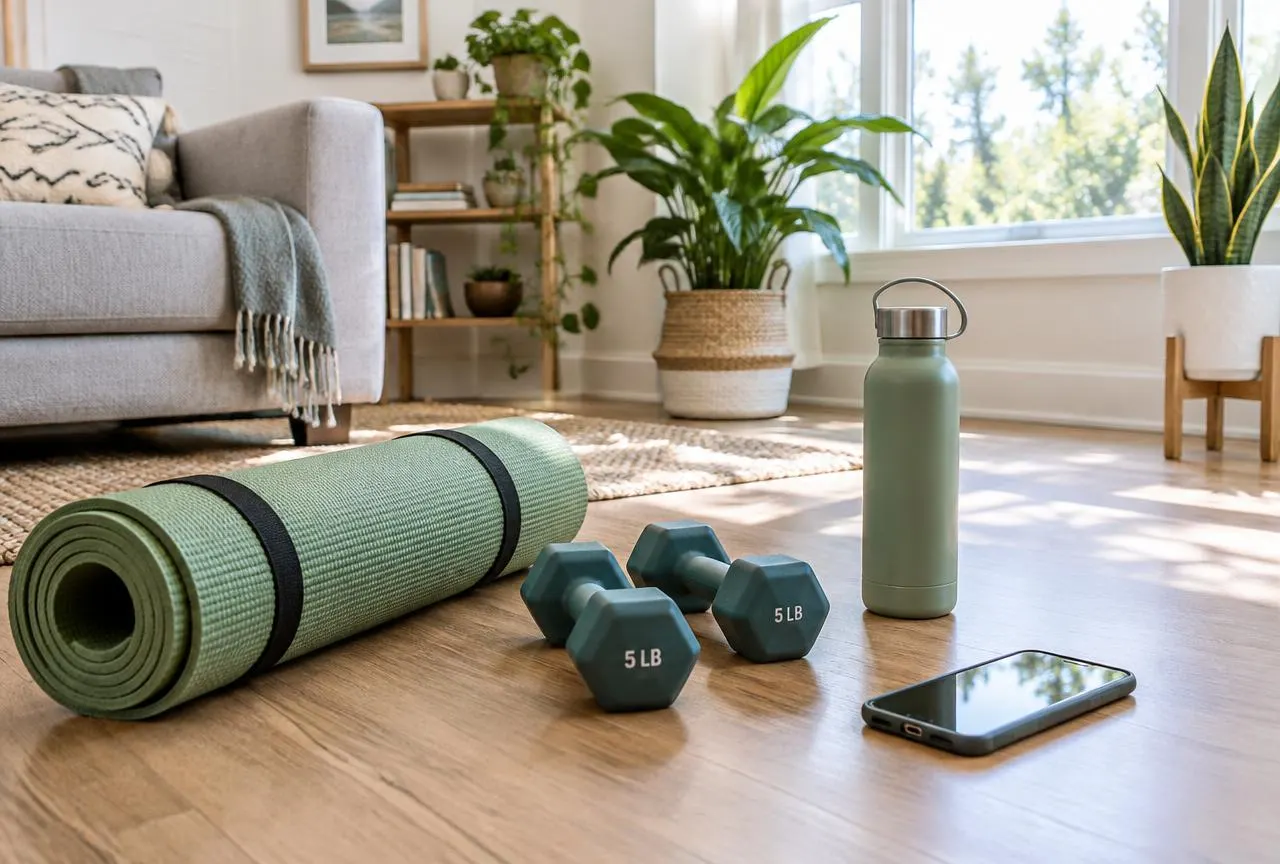
Home workout apps have a unique context. Users exercise in living rooms, bedrooms and small apartments, often with little equipment and limited time. The phone is propped against a wall or lying on the floor. Designing for this everyday reality is what makes a home workout app genuinely useful.
Readable from across the room
During a session, the screen may be one or two metres away. Use very large type for the current exercise and timer, high contrast colours and simple layouts. A dark session theme can reduce glare and make key information stand out.
Controls that work mid-exercise
Users should be able to pause, skip or repeat with a single large tap. Consider audio cues for transitions so people do not have to keep looking at the screen.
Routines that fit real constraints
A routine builder can ask a few quick questions — available time, space, equipment, focus area — and suggest an appropriate session. Typical options include:
- 10, 20 or 30 minute sessions
- No equipment, mat only or light weights
- Quiet routines suitable for apartments
- Mobility and stretching days
Related service: Mobile UI/UX design. Related solution: Home workout app development.
Building consistency
A workout calendar, gentle reminders and simple streaks help users build a routine. As with habit trackers, missed days should be handled kindly so users feel encouraged to return.
Clear exercise guidance
Demonstrations and short form cues help users exercise with confidence. Present content as general fitness guidance and avoid promises about weight loss or specific results.
Working offline
Home sessions should not fail because of a weak connection. Where suitable, downloading session content in advance makes the experience more reliable.
Final thoughts
The best home workout apps feel like a supportive coach in the room. See our approach to home workout app development and the Home Workout Planner concept.